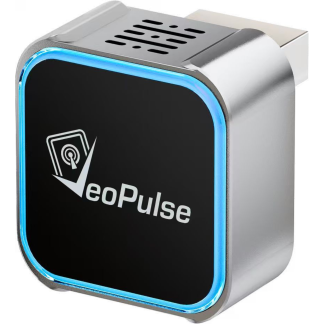
Wireless CarPlay and Android Auto adapter C-Pro

29,99£ (VAT include)

Instantly turn your wired CarPlay or Android Auto connection into a wireless experience with the C-Pro adapter.

  • Dual Phone Memory: Remembers 2 phones, ideal for couples and shared cars.
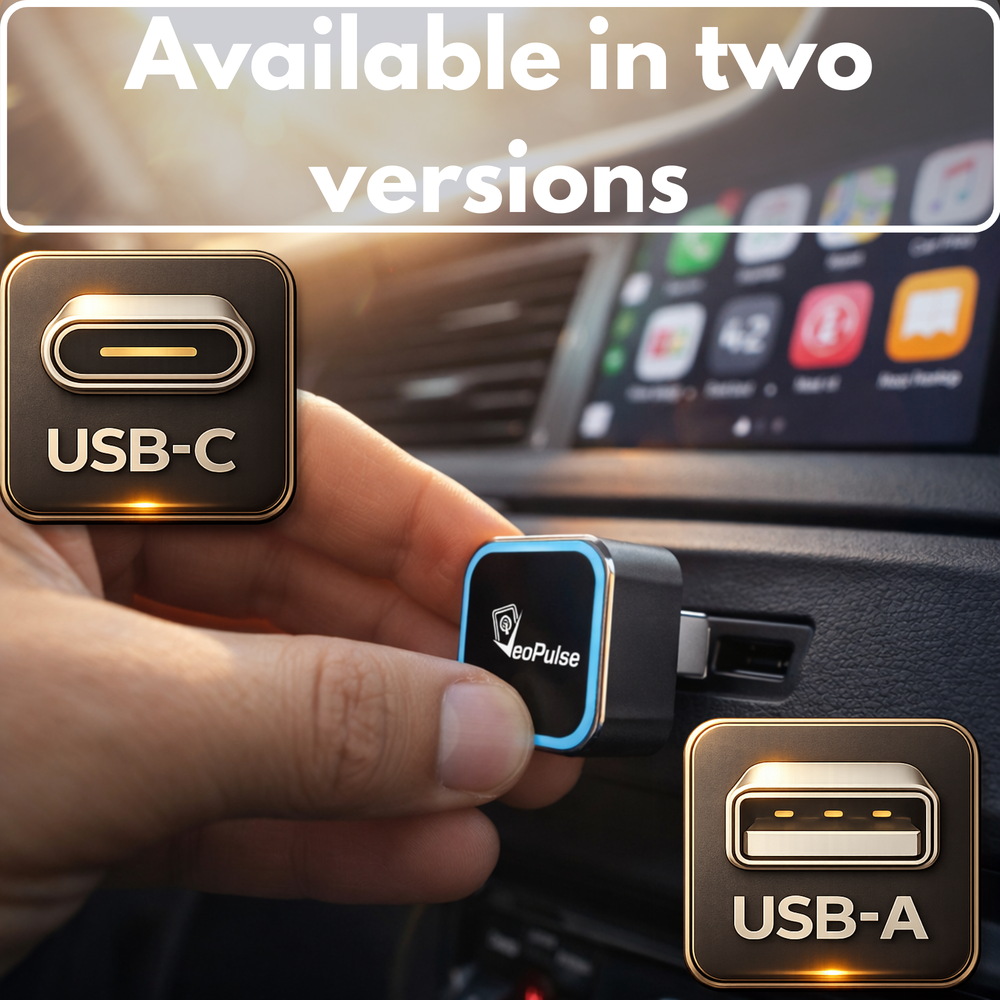
  • Native USB Connection: Choose the version that matches your car’s USB port: USB-A or USB-C.
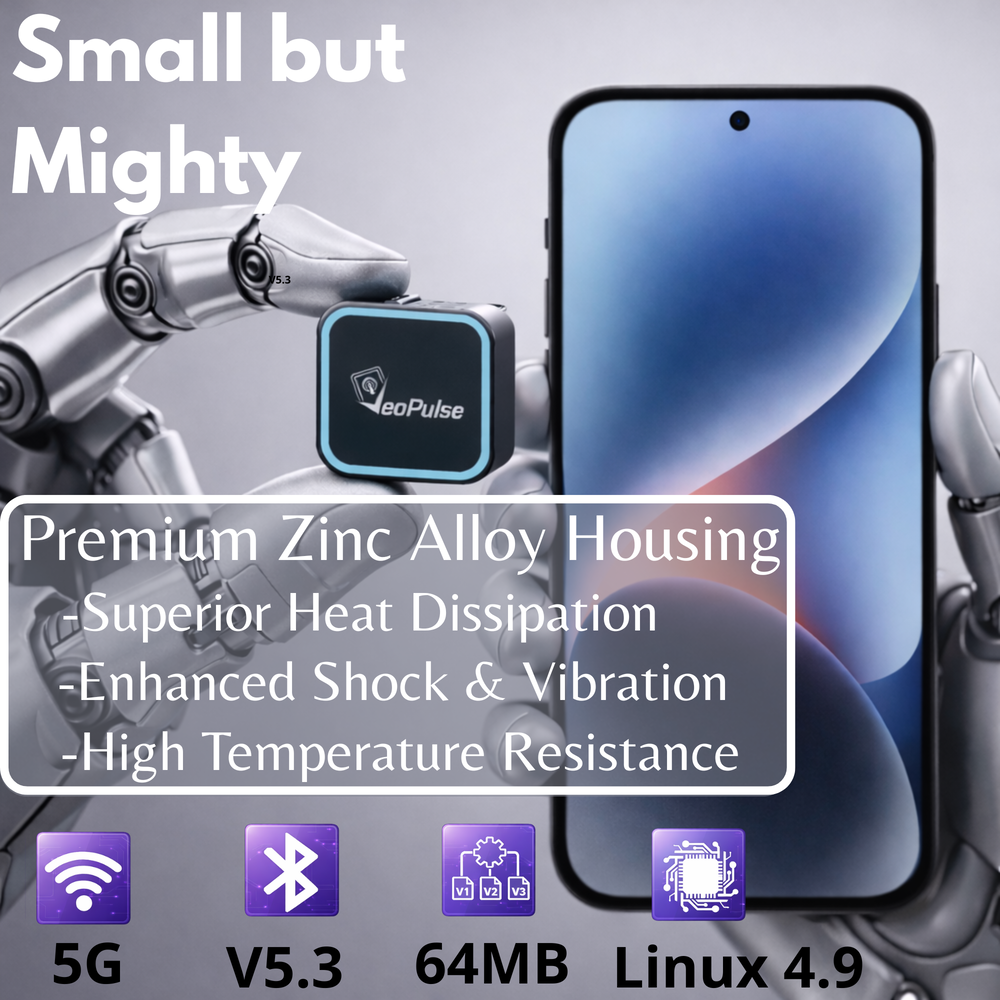
  • Premium Performance: Zinc alloy case designed to help dissipate heat and reduce lag.
  • Easy Set-Up: Plug & Play in 10 seconds.
  • 🇫🇷 French Brand: Customer support based in Brittany and 2-year warranty.
SKU: N/A Category:

Description

The Freedom of Wireless, the Stability of Wired

[kad_youtube url=”https://youtu.be/r7TXF6G7tZQ” width=800 ]

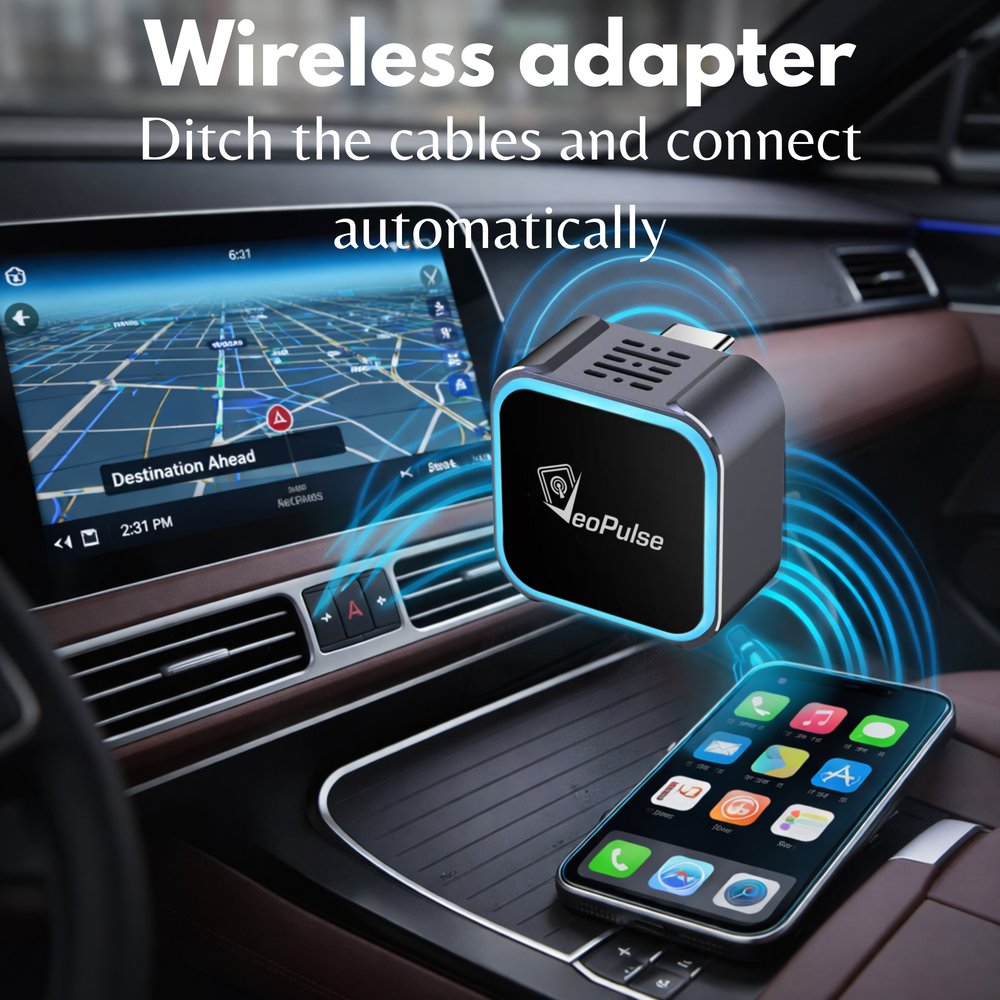
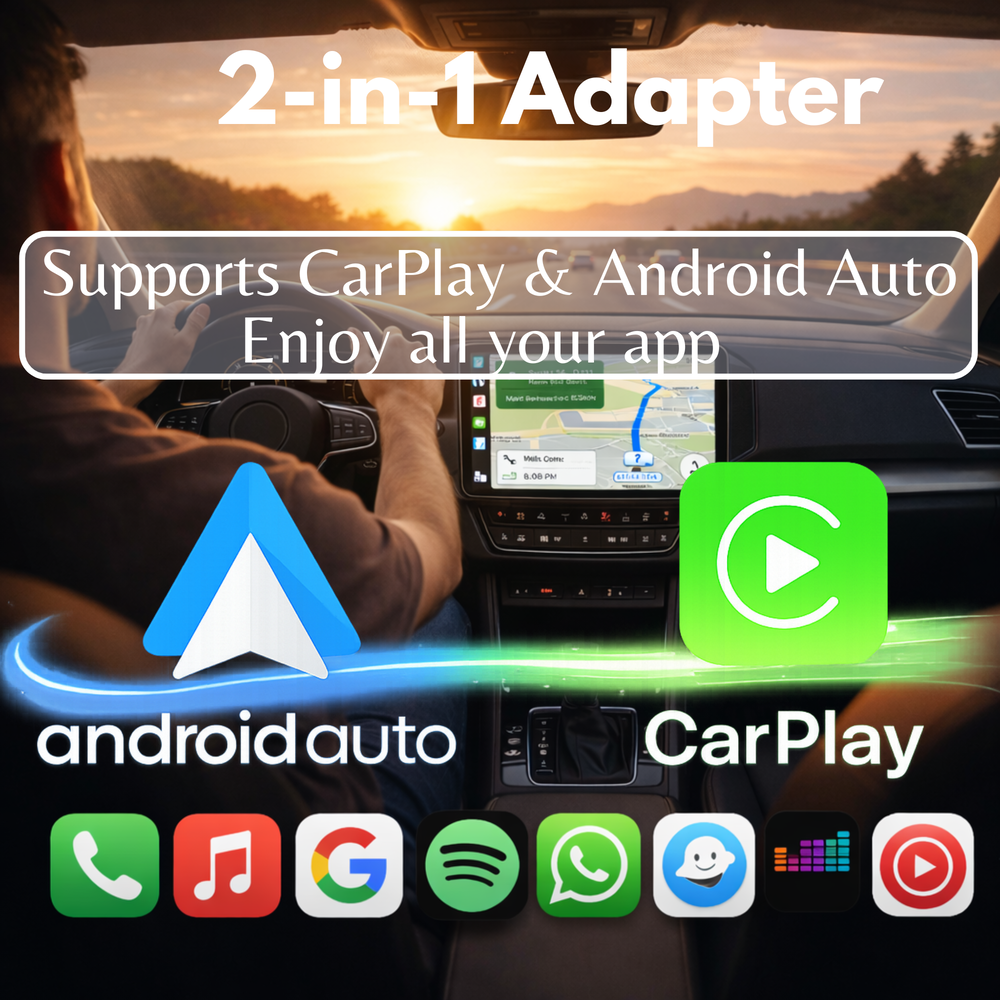
Designed for cars already equipped with wired CarPlay and/or wired Android Auto, the VeoPulse C-Pro lets you enjoy wireless CarPlay and Android Auto wireless connectivity, depending on your car and phone compatibility. Keep your original infotainment system, without the clutter of cables.
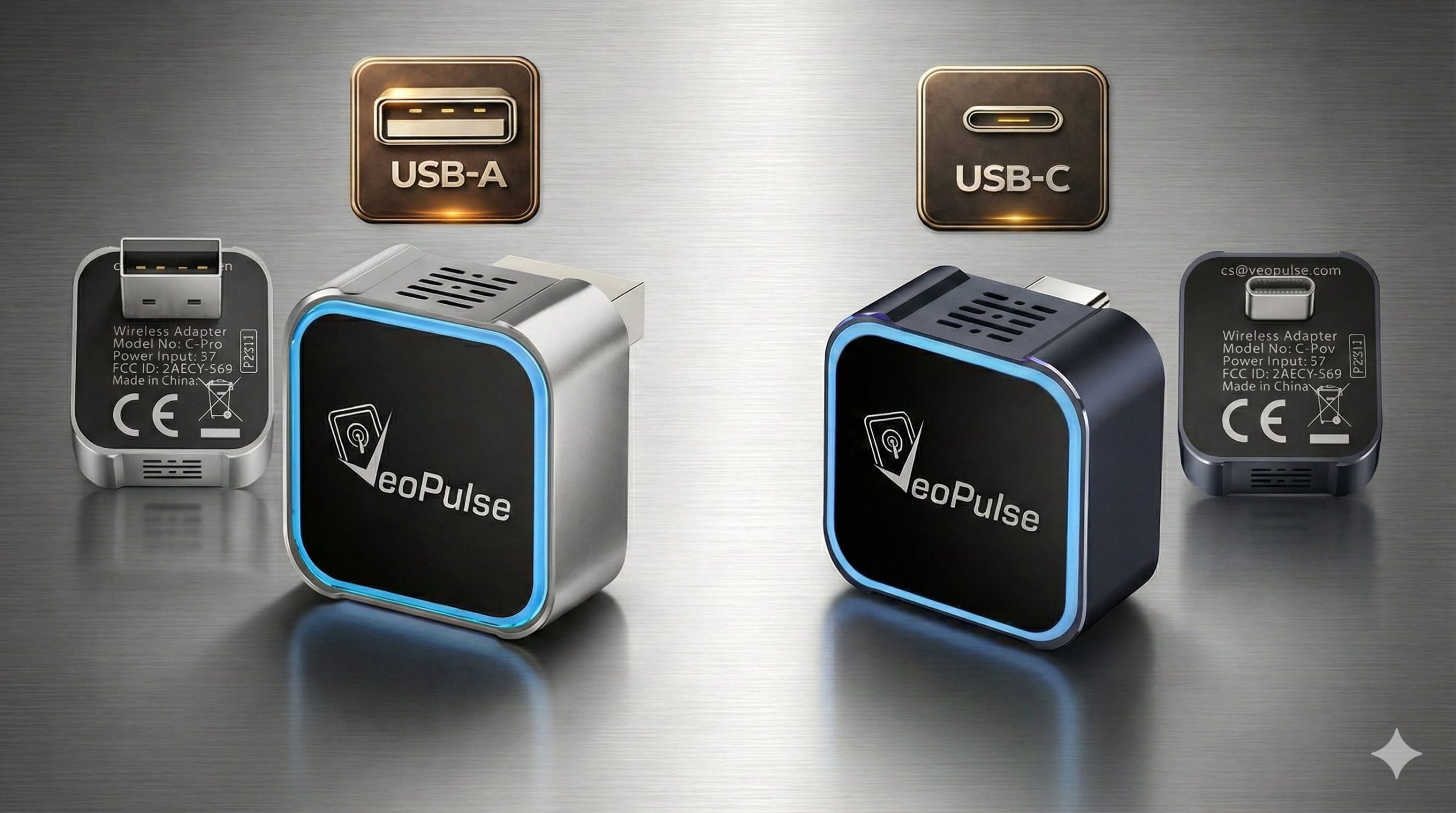
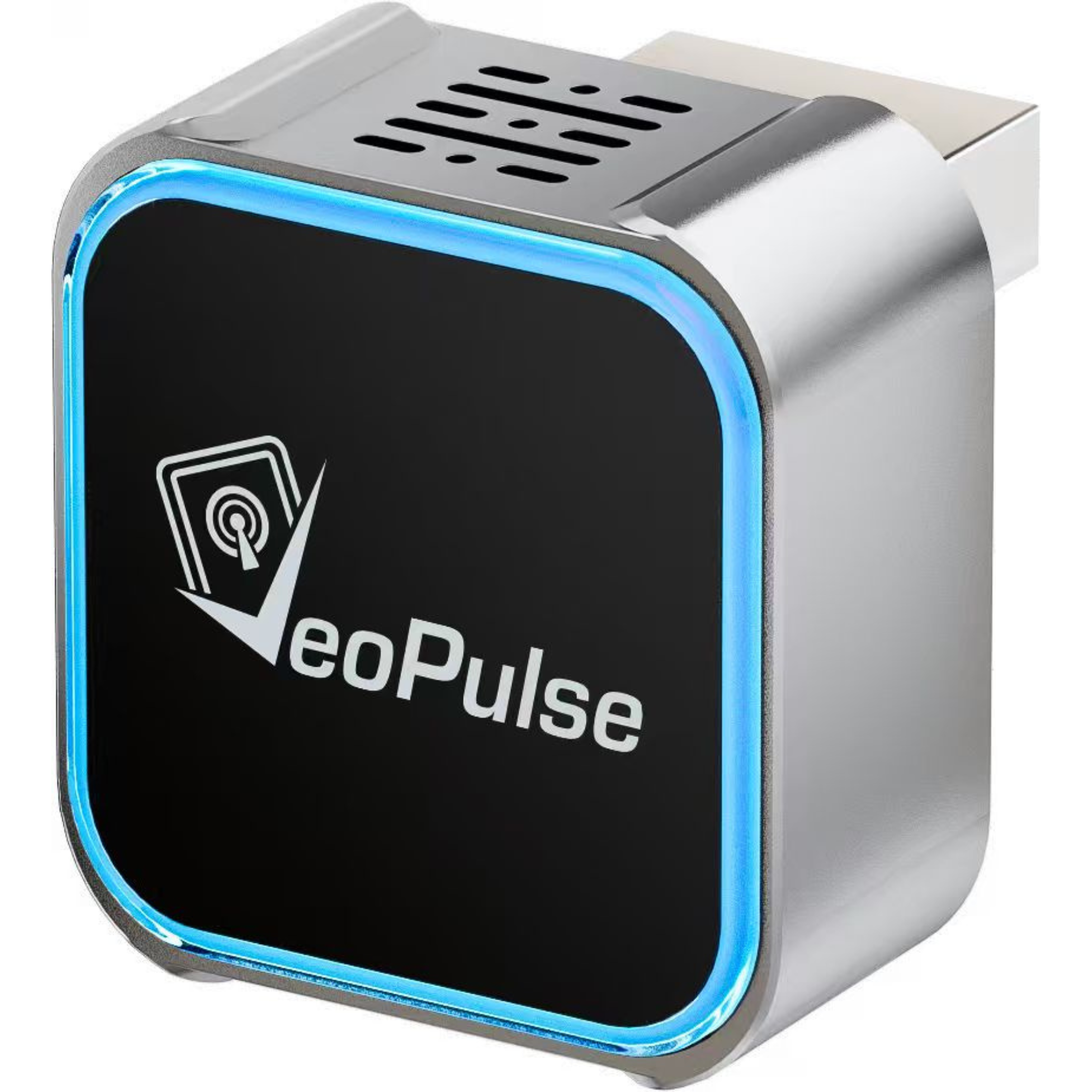
VeoPulse C-Pro wireless CarPlay and Android Auto adapter in USB-A and USB-C versions

🔌 Native Connection: USB-A or USB-C?

Why add an extra connector that may move, loosen or affect the connection? The C-Pro is available in two distinct hardware versions to fit your car’s original USB port more securely:

  • Native USB-C Version: For recent cars equipped with a USB-C port.
  • Native USB-A Version: For standard USB-A car ports.

Choose the version that matches your car’s original port for a firm fit designed to resist everyday vibrations.

Advanced Low-Latency Technology
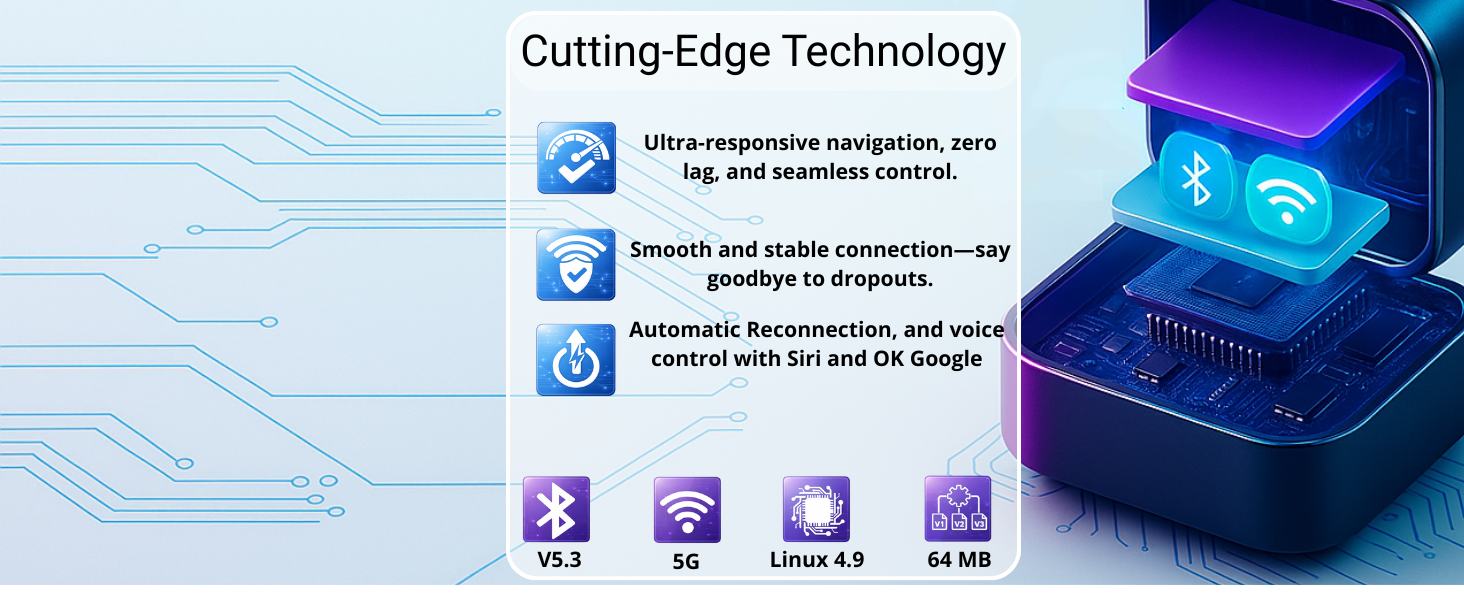
VeoPulse C-Pro wireless car adapter with Linux chipset and 5GHz WiFi technology

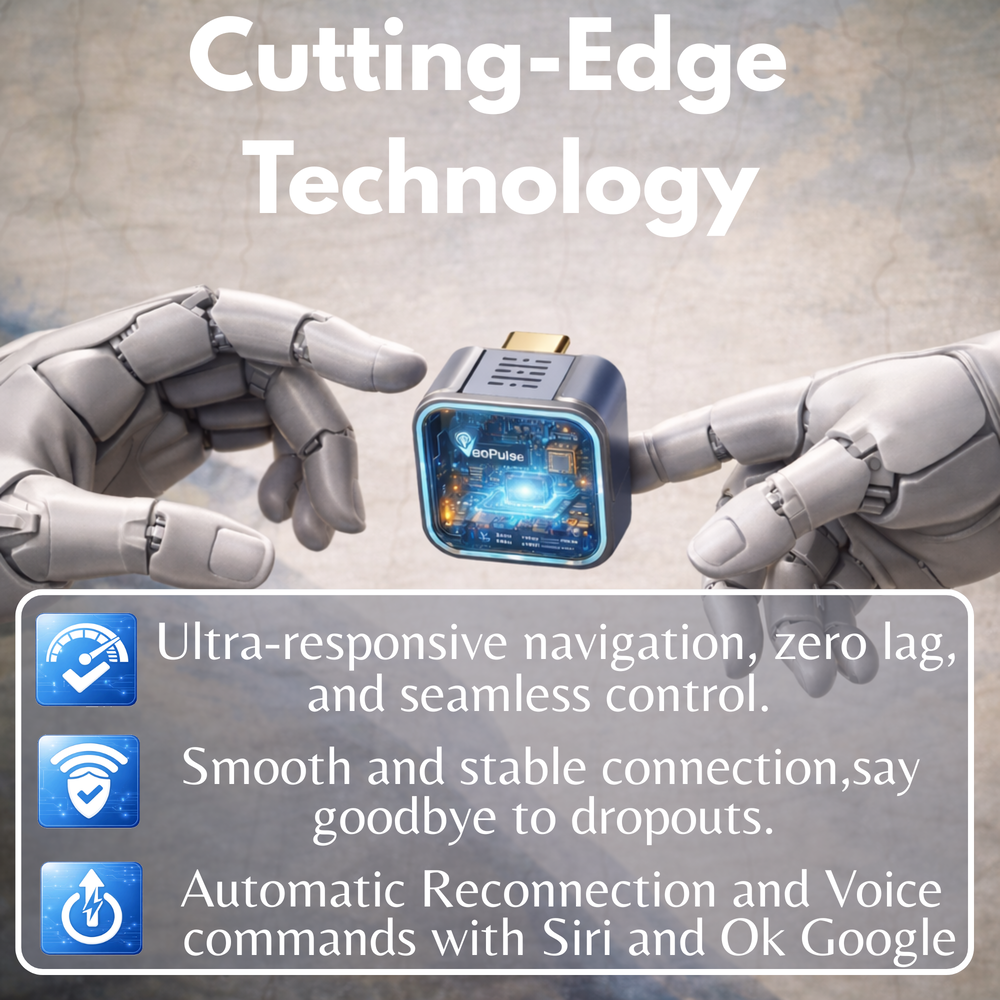
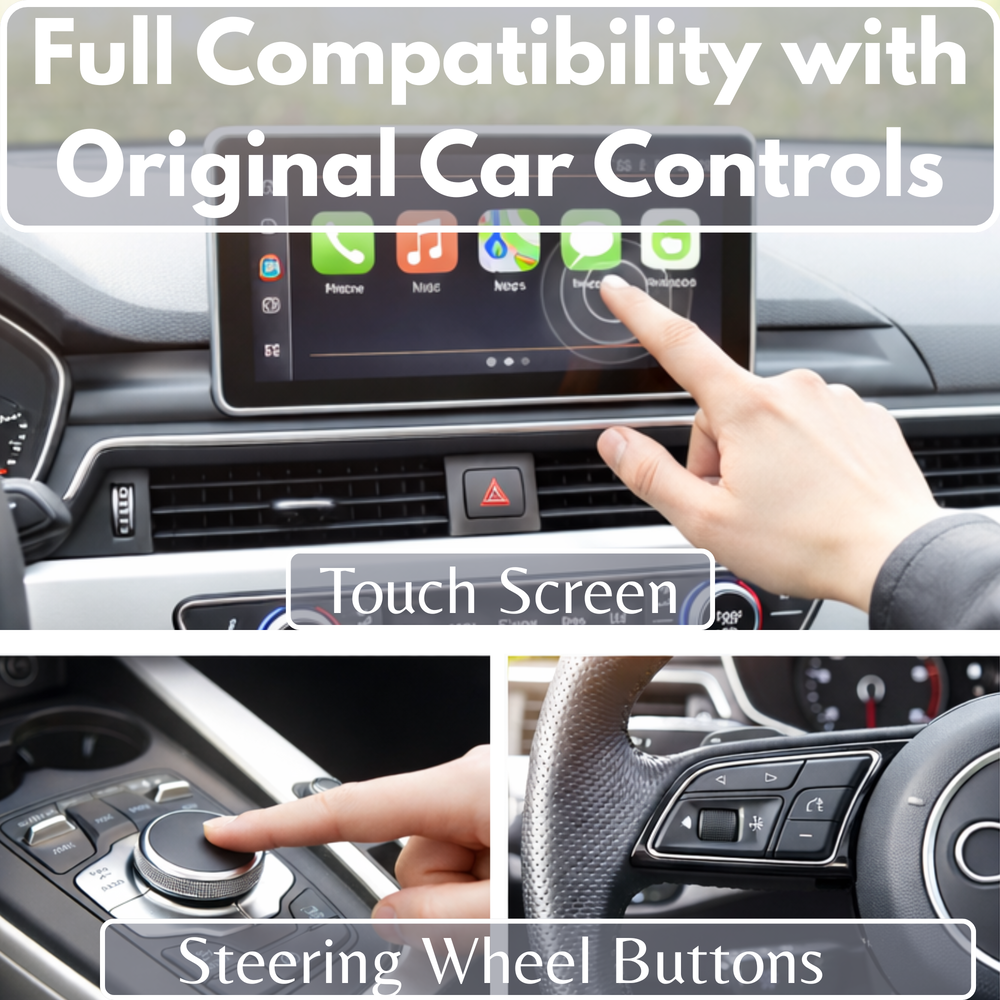
Under the hood, the C-Pro features a Linux 4.9 Smart Core chip paired with 5GHz WiFi transmission. The result is a smooth and responsive experience for your GPS apps such as Waze and Google Maps, as well as clear audio playback on Spotify or Deezer. Your steering wheel controls, touchscreen and Siri/Google Assistant work just as before, only without the cable.

Why Choose the C-Pro?
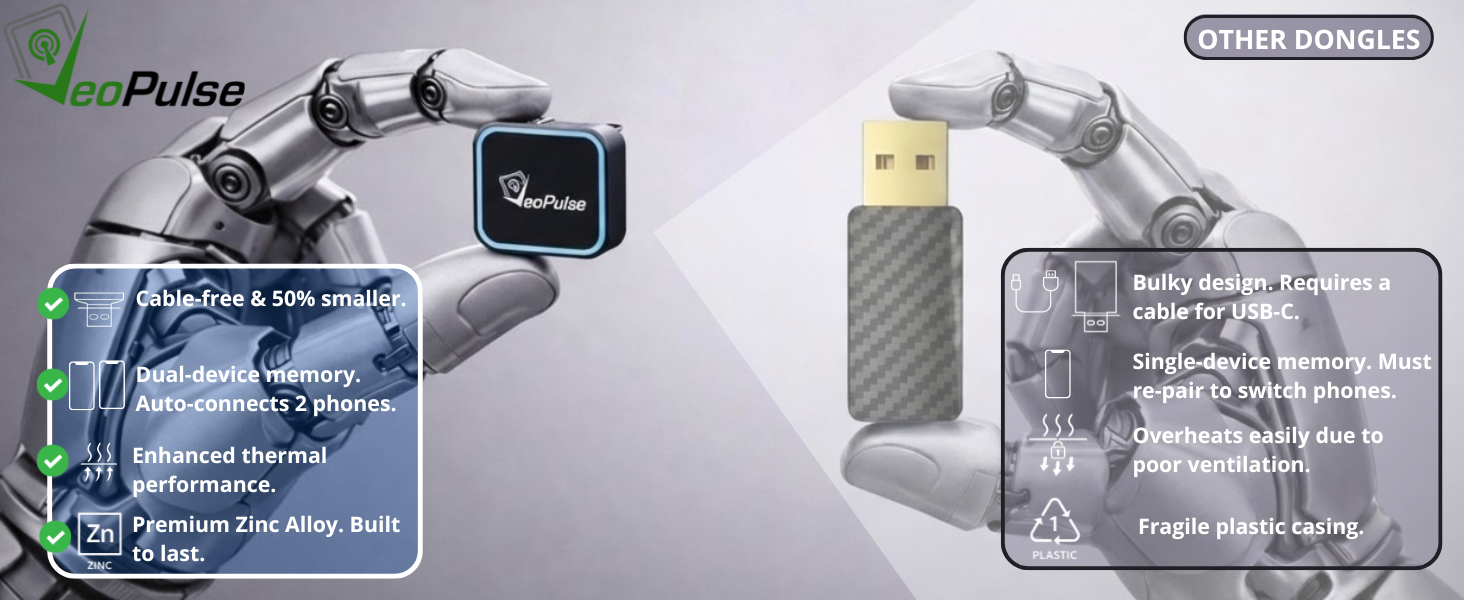
VeoPulse C-Pro zinc alloy wireless CarPlay adapter compared with a plastic car adapter

❄️ Premium Zinc Alloy

Unlike plastic cases that can trap heat and cause lag after 1 hour of driving, our Zinc Alloy chassis helps dissipate heat efficiently. Your wireless car adapter remains more comfortable to use over longer drives, even in summer.

👫 Dual Memory (Exclusive)

Ideal for couples and shared cars! The C-Pro is one of the few adapters able to remember 2 different phones. It automatically recognizes the current driver, so you do not need to pair again each time you switch phones.

A French Brand at Your Service 🇫🇷

Based in Brittany, France, our team is here to support you before and after your purchase.
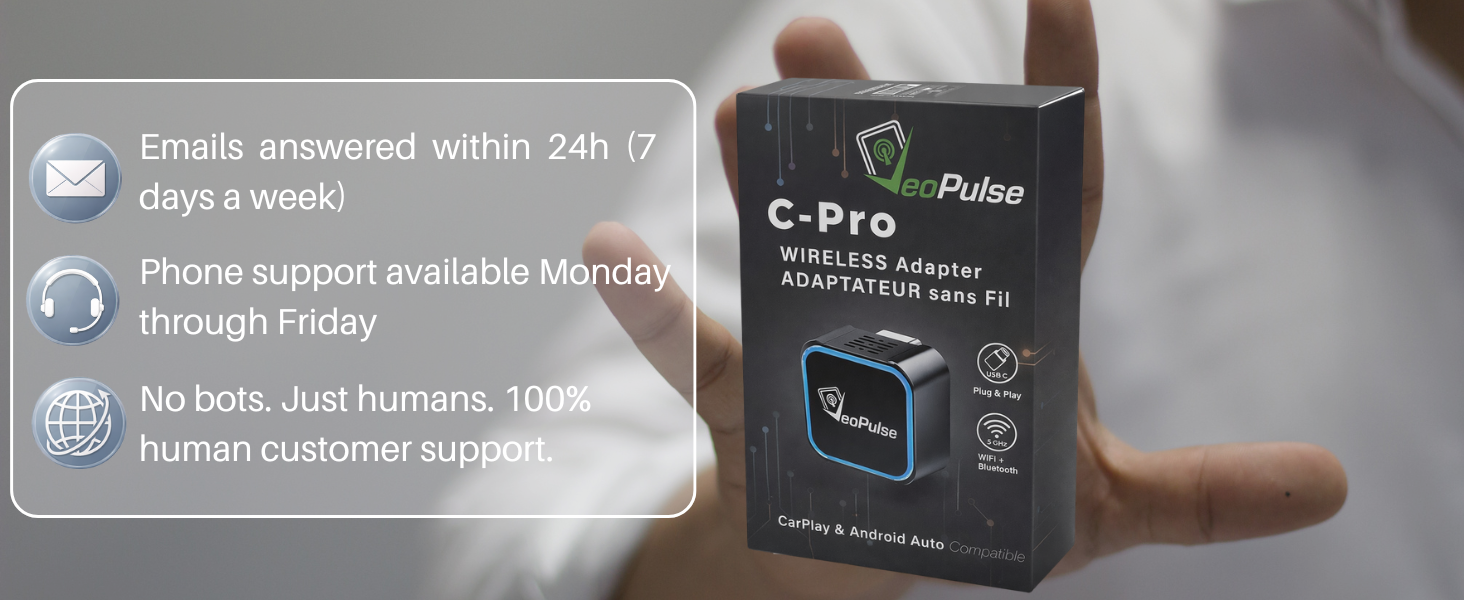
VeoPulse customer support for the C-Pro wireless CarPlay and Android Auto adapter

✅ 2-Year Warranty included ✅ Email support 7 days a week ✅ Phone assistance (Mon-Fri) ✅ Full user manual in English

Additional information

Connection

USB-A, USB-C

Reviews

There are no reviews yet.

Be the first to review “Wireless CarPlay and Android Auto adapter C-Pro”

Your email address will not be published. Required fields are marked *

My vehicle does not have built-in CarPlay/Android Auto: does the C-Pro add it?

No. The C-Pro turns an existing wired connection into a wireless connection. If your car or car stereo does not support CarPlay/Android Auto via cable, the adapter will not add these systems.

Which phone versions are compatible?

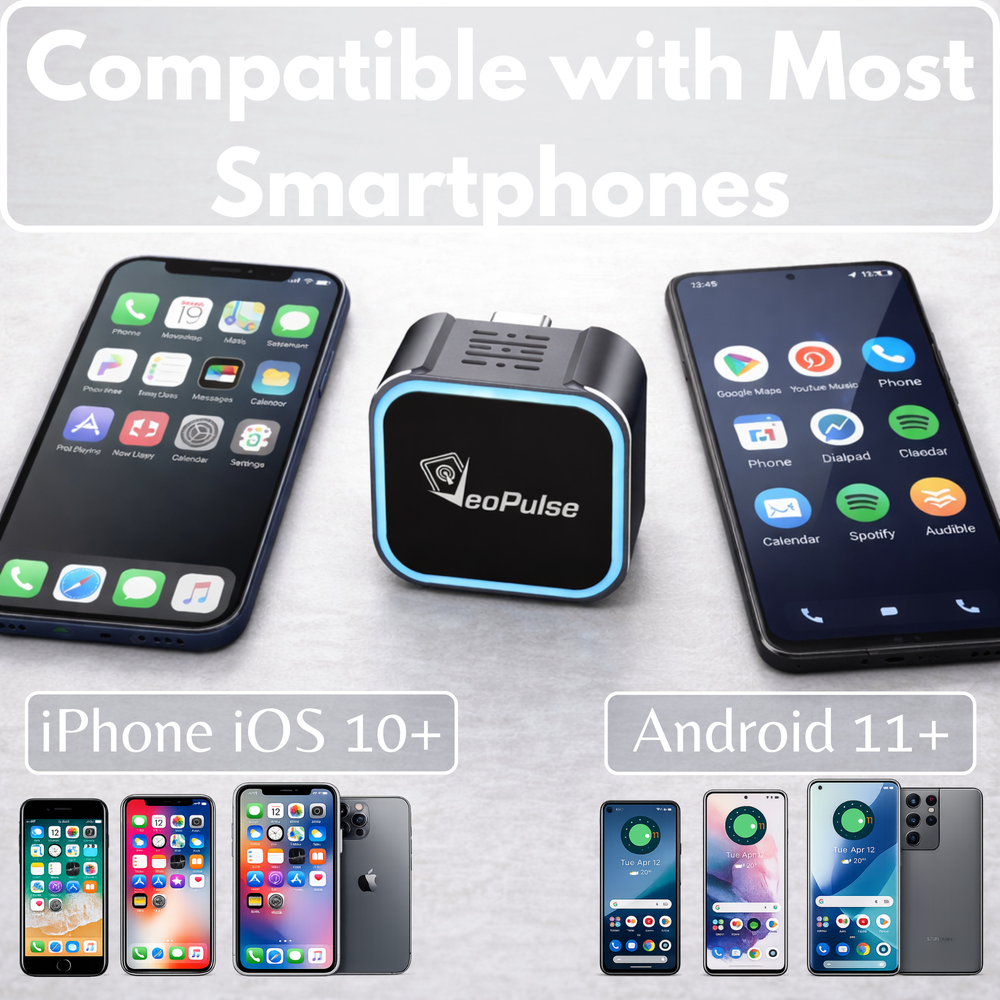
The C-Pro is compatible with iPhones running iOS 10 or later and Android phones running Android 11 or later.

Which USB port should I plug the adapter into?

Plug the C-Pro into the USB data port, often marked with a smartphone icon or outlined in white. Charge-only ports, USB hubs, extension cables or power adapters may prevent it from working properly.

Do I need to make a first connection by cable?

Yes. If CarPlay/Android Auto has never been activated in the vehicle, you must first connect the phone by cable to validate the permissions on the car screen before using the adapter.

What do the LED colors mean?

Steady red = power supply. Green (iPhone) / yellow (Android) = searching for connection. Color cycle = successful connection. LED off = discreet mode, the device is working normally. The LED turning off is not a fault.

Can the C-Pro remember several phones?

Yes, the product is designed to remember two different phones to make it easier for two drivers to use, with automatic switching between saved phones.

The wireless connection is slow or disconnects often, what should I do?

First check that CarPlay/Android Auto works correctly by cable on the same USB port. Use the correct USB data port and avoid hubs or adapters. On Android, disable power-saving modes, remove battery restrictions for Android Auto, Google Play Services and streaming apps, then enable wireless Android Auto in the Android Auto settings. On iPhone, make sure Bluetooth and Wi-Fi are enabled and that the device is unlocked during testing.

How can I reset or restart the connection if it fails?

Unplug the C-Pro, then delete/forget the C-Pro Bluetooth pairing on the phone or phones. If possible, first reconnect the phone to the vehicle by cable to validate CarPlay/Android Auto. Then turn off the vehicle, restart it, plug the C-Pro back in, perform a clean Bluetooth pairing again and accept the CarPlay/Android Auto permissions on the vehicle screen.

Why does the connection sometimes take around 1 minute when another driver used the phone before?

The C-Pro first searches for the last saved phone. If that phone is not present, it then switches to the other saved phone, which may cause a longer connection delay.

The phone stays connected even after I turn off the ignition: is this normal?

Yes. Some vehicles keep the USB ports powered for a few minutes after the engine is turned off. This behavior depends on the vehicle manufacturer.

I see “USB not recognized” or the screen stays black after plugging it in, what should I check?

Make sure you are using the correct USB data port, meaning the one that works with wired CarPlay/Android Auto. Unplug and plug the adapter back in. If the problem persists, test the wired connection between the phone and the car to identify the source of the problem.

Can videos (YouTube, RaiPlay, etc.) be displayed via the C-Pro?

Technically, some solutions may allow video display, but using video apps while driving is against regulations and is often blocked by CarPlay/Android Auto for safety reasons. This use is not recommended.

The LED stays red and pairing does not complete, what should I do?

This may indicate a blockage or a Bluetooth/Wi-Fi conflict. Unplug the device, delete the pairing on the phone, restart the phone and the vehicle, then plug the C-Pro back in and perform a new pairing. If necessary, also validate the connection via cable before trying again.

Does the product get hot?

The casing is made of zinc alloy to improve heat dissipation and reduce the risk of overheating compared with plastic casings.

What are the main points to check before using the C-Pro?

The C-Pro requires a wired CarPlay/Android Auto system already present in the car: it does not add these systems to a vehicle that is not equipped. It must be plugged only into a USB data port; charge-only ports or hubs may prevent it from working. Android/iOS settings and power-saving modes may also limit the background connection. Finally, displaying videos while driving is blocked or against the law and is not recommended.

Got something to discuss?